


Diggersaurs 3-Story Starter Pack with Projector
Diggersaurs 3-Story Starter Pack with Projector
- Includes a Moonlite Projector and 3 stories. Each story contains a picture disc and activation code that downloads the content onto your smart device.
- Stories Included:
- ● Diggersaurs
- ● Diggersaurs Explore
- ● Diggersaurs Mission to Mars
Details
Details
Ages: 2-6
Diggersaurs
What's bigger than a digger? Bigger than a dinosaur? DIGGERSAURS are bigger - see them build and hear them ROAR! This rhyming mash-up of dinosaurs and trucks will delight young dino-fanatics and construction fans alike!
Diggersaurs: Explore
When building work is done, it's time for fun! A dozen DIGGERSAURS crunch and crush, excavate and explore...perhaps for gold...or something more? The diggersaur friends—WRECKERSAURUS! DUMPERSAURUS! DOZERSAURUS, and more—are busy with rip-roaring sound effects. While exploring and demolishing, these helpful Diggersaurs discover a fantastical treasure—a whole new kind of SAURUS! Keen-eyed readers can go back and search for jewels and treasure on every spread for added fun. Truck and dinosaur lovers will devour this all-new adventure.
Diggersaurs: Mission to Mars
Meet the Roversaurs - an awesome combination of dinosaur and spacecraft. They're busy on Mars, tunnelling through the ground, mapping new territory, testing soil samples, and growing plants - what do they have planned? And might they need some help from the Diggersaurs?



How it works
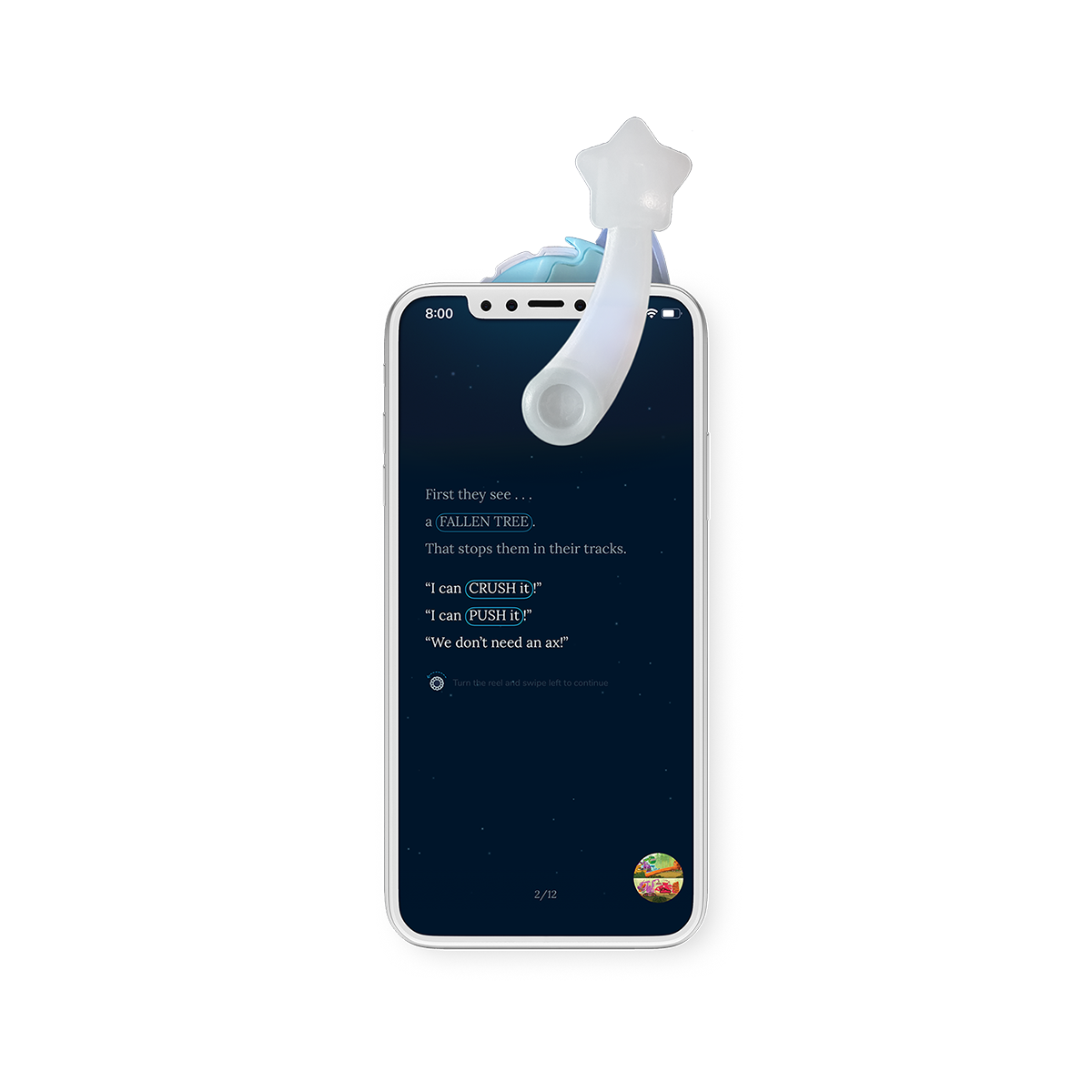
Download & open the Moonlite App

How it works
Follow the in-app instructions to attach and position the projector

How it works
Select a story in the App and insert the matching picture disc into the Projector
