

Skip to product information
1 of 8

Where Do Diggers, Trains, & Planes Sleep at Night? 3-Story Starter Pack with Projector

Where Do Diggers, Trains, & Planes Sleep at Night? 3-Story Starter Pack with Projector

Regular price $39.99
Regular price Sale price $39.99
Sale Sold out
  • Includes a Moonlite Projector and 3 stories. Each story contains a picture disc and activation code that downloads the content onto your smart device.

  • Stories Included:
  • ● Where Do Diggers Sleep at Night?
  • ● Where Do Steam Trains Sleep at Night?
  • ● Where Do Jet Planes Sleep at Night?
Shop this Starter Pack for a chance to win Luna's Lucky Treasure Chest

Details

Ages: 1-4

Where Do Diggers Sleep at Night?
Discover what bedtime looks like for the snowplows, dump trucks, giant cranes, and more that dot the pages of this irresistible construction story. Just like you and me, the vehicles in this story get tuckered out after a long day of hard work and need to quiet down and settle in for sweet dreams.

Where Do Steam Trains Sleep at Night?
Have you ever wondered what little trains do when it’s time for bed? Same things you do! Steam trains, freight trains, subways—and more!—wash up, have a snack, load their teddies for storytime, and get rocked to sleep by mommy and daddy trains beneath a blanket of stars.

Where Do Jet Planes Sleep at Night?
Have you ever wondered what little airplanes do when it’s time for bed? Jumbo jets, biplanes, helicopters—even Air Force One!—power down, wash up, and listen to stories with mommy and daddy planes beneath a blanket of stars, getting ready to fly to dreamland.

View full details
Open the Moonlite App

How it works

Download & open the Moonlite App

Align the Moonlite

How it works

Follow the in-app instructions to attach and position the projector

Pop a story disk into the Moonlite projector

How it works

Select a story in the App and insert the matching picture disc into the Projector

Begin projecting and start your magical storytime!

How it works

Cuddle up, start reading, and share the magic of Moonlite!

Story FAQ

What is included in the Story Details?

The Story Details include a summary of the book, author and illustrator details, and copyright information.

How do I turn the sounds on/off?

They cannot be turned off. There are 3 sounds to choose from, or turn your phone volume off or all the way down.

What do I do if I still cannot hear any sounds?

Turn your phone volume up.

How do I adjust the brightness?

Open your story and then press the sun icon in the lower left corner. Then, adjust Screen Brightness & Projection Brightness.

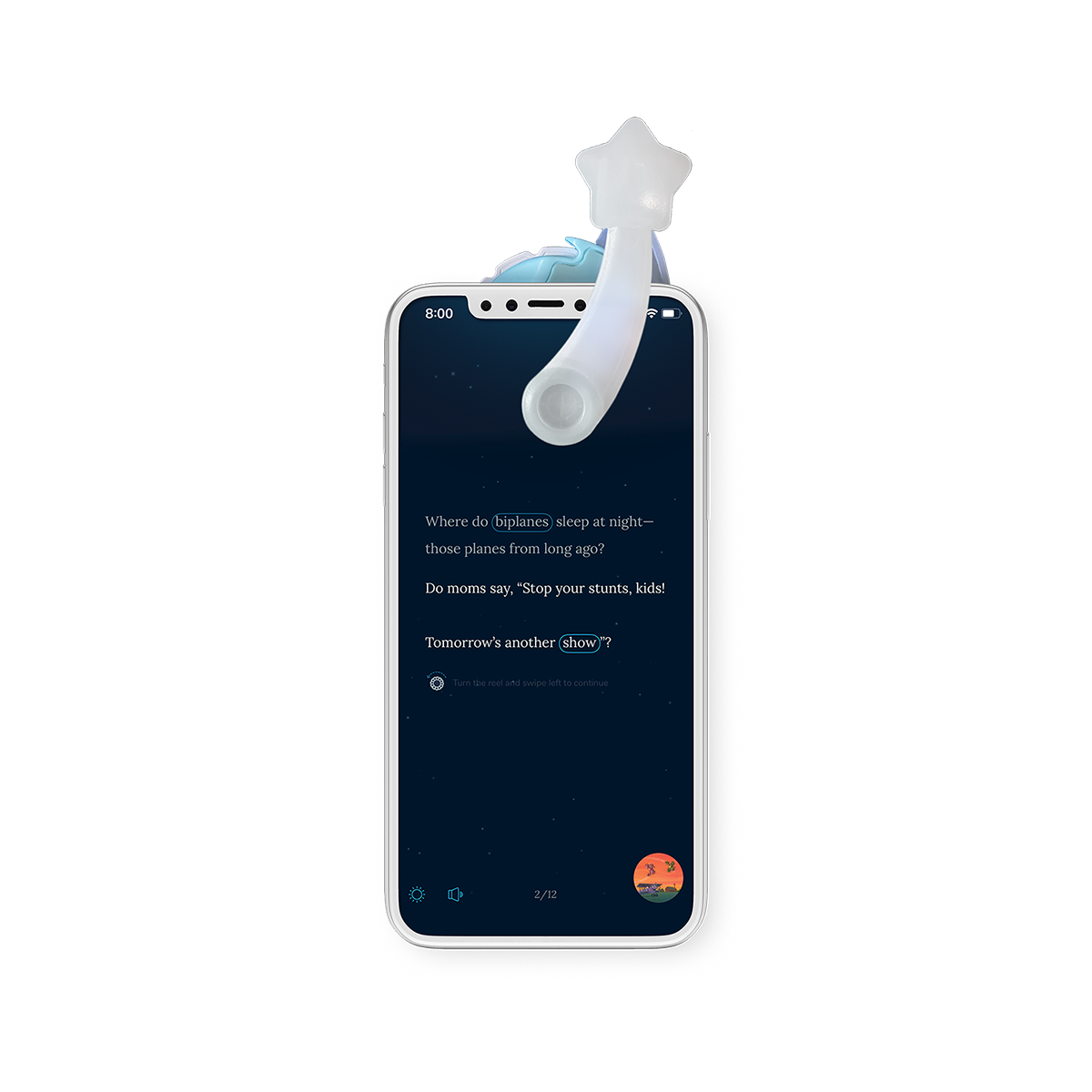
What does the blue circle around the text mean?

That indicates the story word that has a sound. Press the word to hear the sound.

How do I exit the story?

Press the screen and then the "X" button in the top left corner to exit the story.